
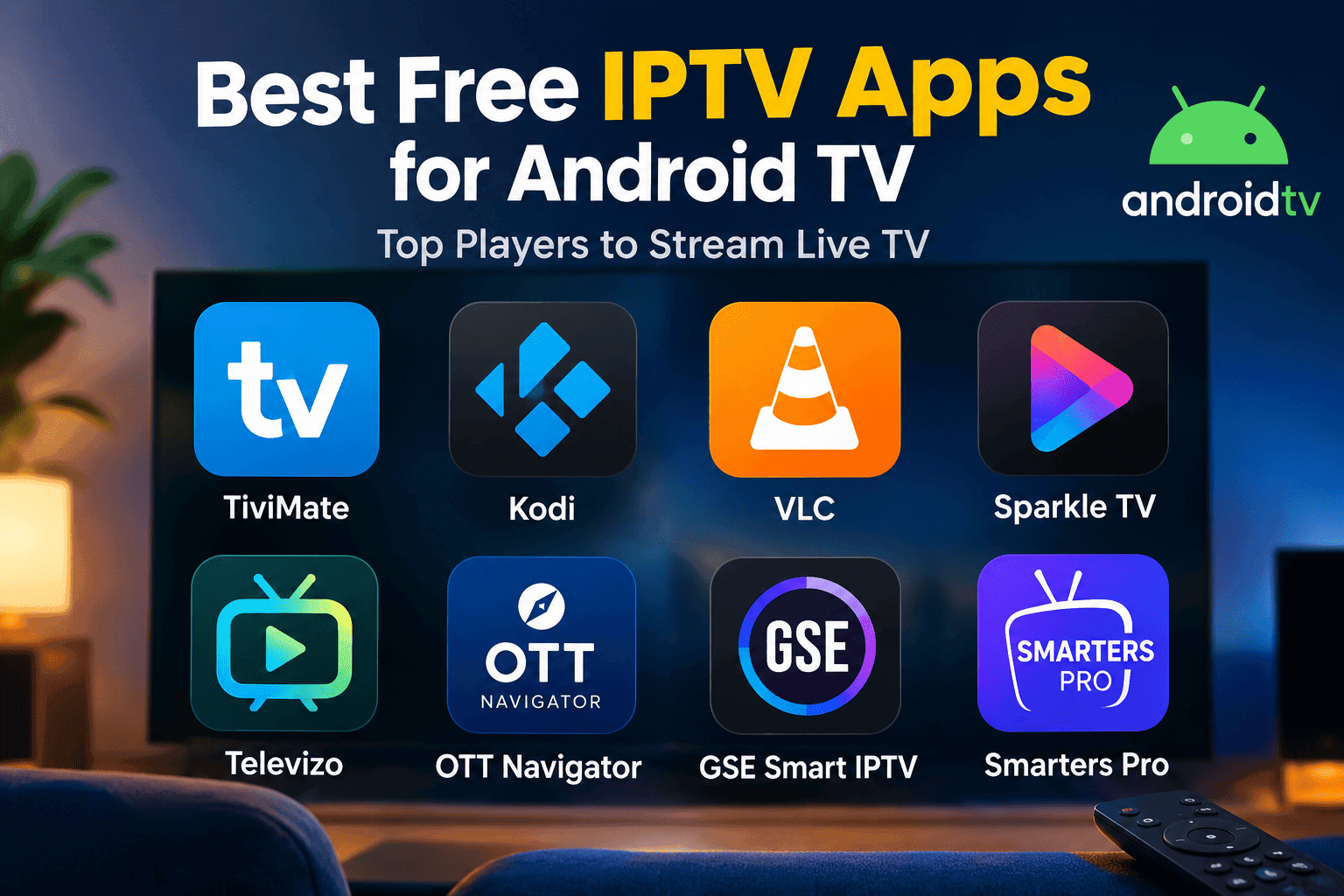
Finding the best free IPTV apps for Android TV depends on more than simply choosing the app with the longest feature list. A good IPTV player should make it easy to load your playlist, browse channels with a remote, use an EPG, and play compatible streams smoothly.
In this guide, we compare popular IPTV players for Android TV, including TiviMate, Kodi, VLC, Sparkle TV, Televizo, OTT Navigator, GSE Smart IPTV, and Smarters Pro. We also explain what to look for before choosing an app and how to improve playback on your Android TV device.
Important: IPTV players are media applications. They generally do not provide television channels themselves. You need your own legal and authorized playlist or content source.
Quick Comparison of Free IPTV Apps for Android TV
| IPTV Player | Android TV | M3U | Xtream Codes | EPG | Catch-up | Best suited for |
|---|---|---|---|---|---|---|
| TiviMate | Yes | Yes | Yes | Yes | Yes | Live TV interface |
| Kodi | Yes | Via PVR | Via add-ons/configuration | Yes | Depends on setup | Customization |
| VLC | Yes | Network streams | Not a dedicated IPTV login system | No dedicated IPTV EPG | No dedicated IPTV system | Simple playback |
| Sparkle TV | Yes | Yes | Yes | Yes | Yes | TV-style experience |
| Televizo | Yes | Yes | Yes | Yes | Yes | Simple IPTV setup |
| OTT Navigator | Android | Yes | Yes | Yes | Supported where available | Advanced customization |
| GSE Smart IPTV | Android | Yes | Yes | Yes | Depends on source | Advanced playback |
| Smarters Pro | Android TV | Yes | Supported formats | Depends on source | Supported where available | Multi-device playback |
Features and availability can vary by app version, device, operating system, and subscription tier. For example, Sparkle TV supports M3U, Xtream Codes and XMLTV and offers EPG, catch-up and other features, with some functions requiring its Plus version.
What Should You Look for in an IPTV Player?
Before installing an IPTV application, consider how you actually watch television. The most useful features are usually playlist compatibility, remote-friendly navigation, EPG support and reliable playback.
1. M3U and Xtream Codes support
Many IPTV services provide access through an M3U playlist or Xtream Codes credentials. Choosing a player compatible with the format supplied by your provider can make setup considerably easier.
Not every application handles these formats in exactly the same way, so check the player’s current feature list before installing it.
2. Android TV and remote control support
A phone-oriented IPTV application can be inconvenient on a television. Look for software designed for a large screen and optimized for navigation with a remote control.
A well-designed TV interface should make it easy to:
- Browse channel categories
- Switch between channels
- Open the EPG
- Add favorites
- Search for programs
- Access playback settings
3. EPG and channel organization
An Electronic Program Guide (EPG) displays information about current and upcoming programs.
If your playlist includes EPG data, a compatible player can organize that information into a TV-style guide. Favorites, categories and search tools are also useful when a playlist contains a large number of channels.
4. Catch-up and recording
Some IPTV players support features such as catch-up, timeshift, DVR or recording. However, these features may depend on both the application and the content source.
For example, Sparkle TV lists catch-up, DVR, timeshift and multiview among its features, with some functions requiring the Plus version.
5. Hardware decoding
Playback performance also depends on your Android TV hardware.
Hardware decoding can move some video-processing work away from the CPU and use the device’s supported hardware decoder instead. VLC, for example, supports both software and hardware decoding and notes that hardware decoding can provide better performance on supported devices.
If an IPTV player offers decoder options and you experience stuttering, testing the available hardware-decoding modes can sometimes improve compatibility.
Best Free IPTV Apps for Android TV
1. TiviMate
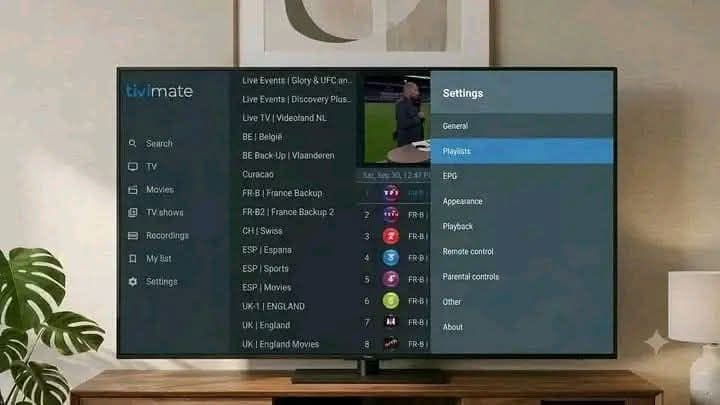
TiviMate is designed specifically around the Android TV experience and focuses heavily on playlist management and television-style navigation.
Its official feature list includes multiple playlists, favorites, search, multiview, catch-up, recording and parental controls. TiviMate also makes clear that it is a media player and does not provide channels or streaming content.
Why consider TiviMate?
- TV-friendly interface
- Multiple playlist support
- Favorites and search
- EPG-oriented live TV experience
- Catch-up and recording features
- Multiview support
Some advanced functions require a premium purchase or subscription, so the free version should not be confused with the complete feature set.
Best for: Users who want a traditional TV-style IPTV interface.
2. Kodi
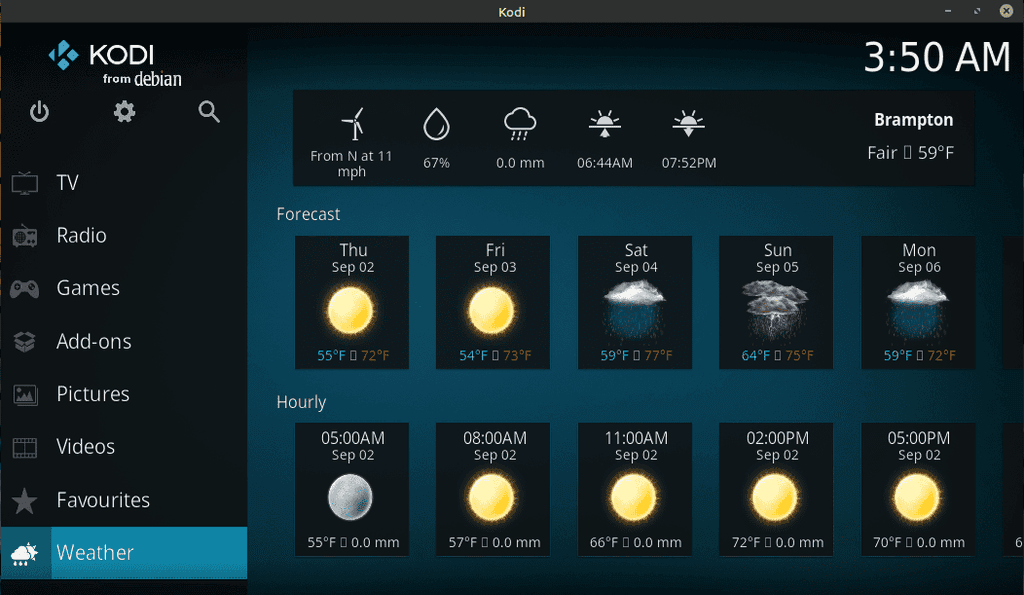
Kodi is a free and open-source media center available for Android and other platforms. It is designed around a television-friendly interface and supports a wide range of media sources.
For IPTV, Kodi can use its IPTV Simple Client PVR add-on. The official Kodi add-on supports M3U playlists, live TV and EPG data.
Advantages
- Free and open source
- Highly customizable
- Android TV support
- IPTV PVR functionality
- Large ecosystem
Considerations
Kodi can require more configuration than a dedicated IPTV player. Its flexibility is useful for advanced users, but beginners may prefer a simpler interface.
Best for: Users who want customization and a broader media-center experience.
3. VLC for Android
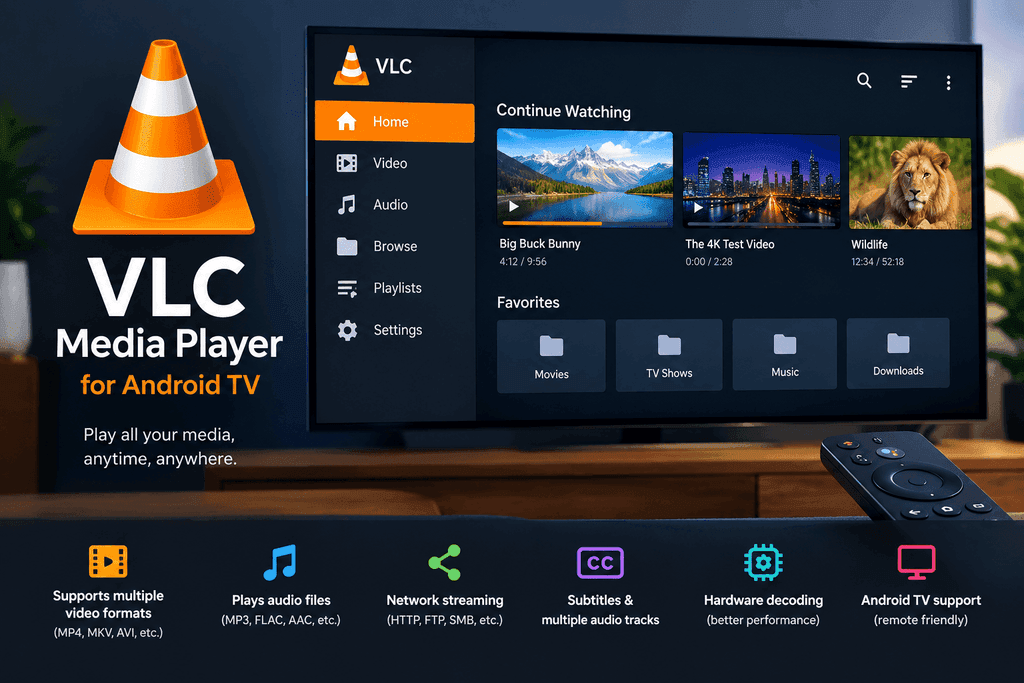
VLC is primarily a general-purpose media player rather than a dedicated IPTV management application.
The Android version supports network streams, Android TV, subtitles, multiple audio tracks and hardware decoding.
Advantages
- Free
- Lightweight
- Broad media-format support
- Network-stream playback
- Hardware decoding
- Android TV support
Limitation
VLC does not provide the same dedicated IPTV experience as applications built around channel lists, EPGs, favorites and IPTV account management.
Best for: Users who mainly need a reliable media player for compatible network streams.
4. Sparkle TV
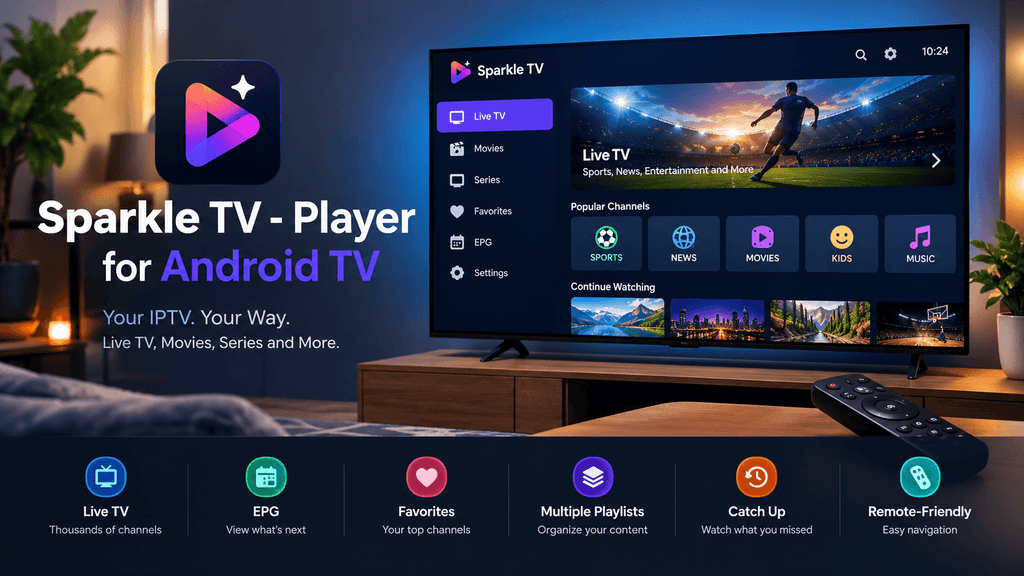
Sparkle TV is designed for Live TV on Android TV, Google TV and Fire TV. It supports M3U, Xtream Codes and XMLTV, along with features such as EPG, favorites, multiple audio tracks and subtitles.
Its more advanced features include timeshift, DVR, multiview and VOD/catch-up functionality, although some of these require Sparkle TV Plus.
Best for: Users looking for a cable-style television interface.
5. Televizo IPTV Player
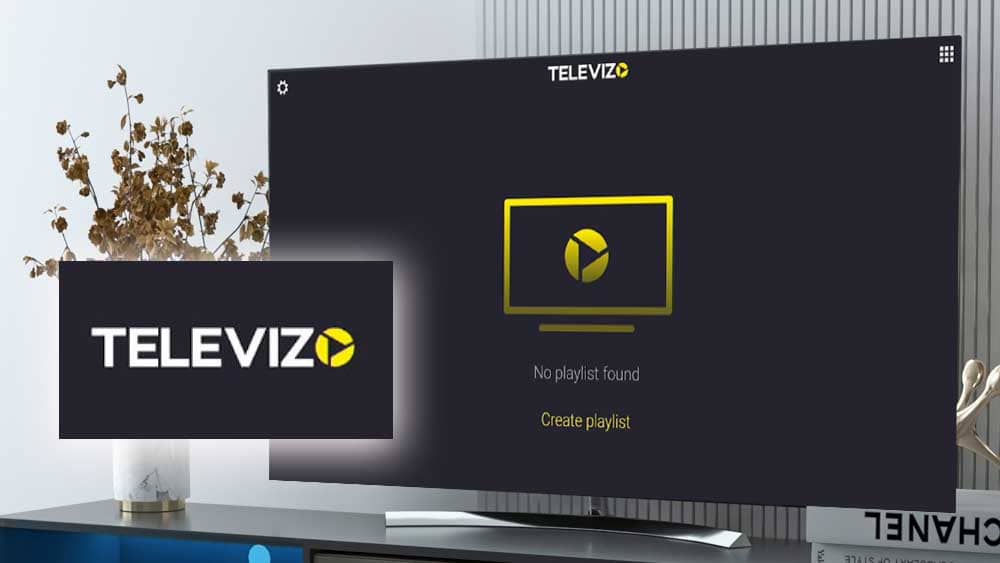
Televizo is an Android IPTV player for phones, tablets and TVs. Its current feature list includes multiple playlists, EPG, catch-up, favorites, searching, sorting, parental controls and subtitle/audio-track selection.
Televizo also clearly states that it does not provide IPTV content; users must add their own playlist.
Best for: Users who want a straightforward IPTV player with useful playlist-management features.
6. OTT Navigator IPTV
OTT Navigator focuses on customization and playlist management. Its current Android listing supports M3U/M3U8 playlists and Xtream Codes, along with EPG, favorites, category filtering, search and multiple audio and subtitle options.
Best for: Users who want more control over how their IPTV library is organized.
7. GSE Smart IPTV
GSE Smart IPTV supports Xtream Codes, M3U content, EPG in XMLTV format, Chromecast, parental controls, subtitles and a wide range of streaming formats.
The application does not include IPTV playlists or channels; users supply their own content.
Best for: Users looking for broad format support and advanced playback options.
8. Smarters Pro
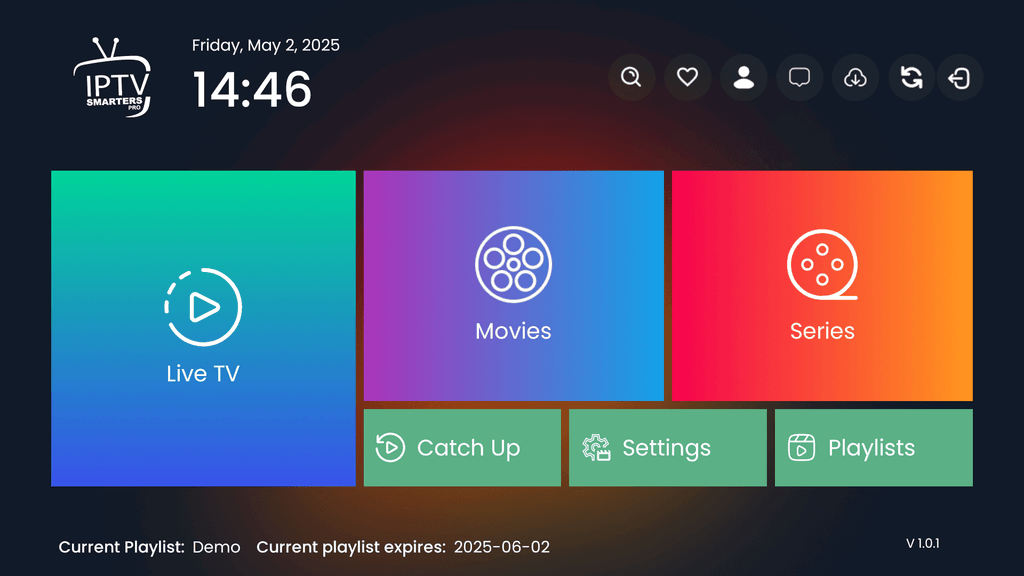
Smarters Pro is a cross-platform media player with versions for Android, Android TV, Smart TVs and other platforms. Its official site describes support for M3U and JSON sources, multiple playlists, favorites, parental controls and playback of live TV, movies and series from user-provided sources.
Best for: Users who want an IPTV player available across several device types.
Which IPTV Player Should You Choose?
There is no single IPTV application that is ideal for every Android TV user.
Consider your priorities:
For a TV-style interface
Look at TiviMate or Sparkle TV. Both focus heavily on organizing live television and navigating channels with a remote.
For customization
Kodi and OTT Navigator provide more flexibility for users who are comfortable adjusting settings and organizing their media environment.
For simple playback
VLC is worth considering if you primarily need a general media player capable of handling network streams rather than a full IPTV management interface.
For playlist management
Televizo and GSE Smart IPTV offer tools for managing playlists, EPG information and playback options.
How to Set Up an IPTV Apps on Android TV
The exact steps vary between applications, but the general process is straightforward.
Step 1: Install the application
Use the Google Play Store or the application’s official distribution source whenever possible.
Avoid modified or cracked APK files from unknown websites. Official sources reduce the risk of installing an altered application.
Step 2: Add your IPTV source
Depending on the application, you may be able to add:
- An M3U or M3U8 playlist
- Xtream Codes credentials
- An XMLTV EPG source
- Another supported IPTV source
Only use content that you are authorized to access.
Step 3: Load the EPG
If your provider supplies an EPG URL, add it through the application’s guide settings.
After synchronization, the application should display available program information.
Step 4: Organize your channels
Create favorites and hide categories or channels you do not use.
This is especially useful with large playlists because it reduces the amount of scrolling required.
Step 5: Test playback
Before settling on one configuration, test several channels and resolutions.
Pay attention to:
- Channel startup time
- Video stuttering
- Audio synchronization
- Resolution changes
- EPG loading
- Remote-control responsiveness
How to Reduce IPTV Buffering on Android TV
Buffering is not always caused by the IPTV application. The source server, home network, Wi-Fi interference, device hardware and video codec can all contribute.
Use Ethernet when possible
A wired Ethernet connection can provide a more consistent connection than Wi-Fi, particularly when the Android TV device is located far from the router.
Try 5 GHz Wi-Fi
If Ethernet is unavailable, a stable 5 GHz Wi-Fi connection may provide better performance than a congested 2.4 GHz network.
Test hardware decoding
If your player provides hardware-decoding options, test the supported modes. VLC’s documentation notes that hardware decoding can improve performance on compatible devices.
Clear the application cache
A large or corrupted cache can occasionally cause application problems. Clearing the cache is a simple troubleshooting step, although it will not fix an overloaded streaming server.
Check the source
If only certain channels buffer while others play normally, the problem may be related to the individual stream rather than your Android TV device.
Reduce video quality when necessary
Higher-resolution and higher-bitrate streams require more bandwidth and processing power. If your connection or device struggles with a particular stream, testing a lower-quality version can help identify the source of the problem.
Are Free IPTV Apps Legal and Safe?
An IPTV application itself is generally a software player. The important issue is the source of the content being accessed.
For example, TiviMate explicitly states that it does not provide channels or media content, while Kodi similarly states that its official software does not contain content.
For safer use:
- Download applications from official sources.
- Use authorized playlists and subscriptions.
- Avoid modified or cracked applications.
- Do not enter your IPTV credentials into unknown websites.
- Review application permissions before installation.
- Keep Android TV and your applications updated.
Never assume that an IPTV player makes every playlist legal. The legality of the content depends on the source and the rights associated with it.
Frequently Asked Questions
What is the best free IPTV apps for Android TV?
The right choice depends on your needs. TiviMate and Sparkle TV focus strongly on live-TV navigation, Kodi offers extensive customization, while VLC is primarily a general media player. Televizo, OTT Navigator, GSE Smart IPTV and Smarters Pro provide additional playlist and playback options.
Do IPTV apps include live TV channels?
Usually not. IPTV players generally provide the software needed to organize and play a user’s own media source. TiviMate, Kodi, Sparkle TV and Televizo all make this distinction clear in their official information.
What is the difference between M3U and Xtream Codes?
M3U is commonly used as a playlist format containing streaming information, while Xtream Codes is commonly used as an account-based method for connecting a compatible IPTV player to a provider’s server.
The exact options available depend on the IPTV player and service.
Does every IPTV app support EPG?
No. EPG support varies between applications, and some apps require a compatible XMLTV source or another EPG format.
Can IPTV apps reduce buffering?
An IPTV player cannot guarantee that buffering will disappear. Playback depends on several factors, including the source server, internet connection, device hardware, Wi-Fi stability and video format.
However, choosing an efficient player and using a stable connection can improve the overall experience.
Is hardware decoding better than software decoding?
On compatible devices, hardware decoding can reduce CPU workload and improve playback performance. However, compatibility varies between devices and codecs, so the best setting depends on the hardware and the particular stream. VLC officially supports both hardware and software decoding.
Can I use IPTV apps on older Android TV devices?
Yes, but performance depends on the device’s processor, available memory, Android version and supported video codecs.
A lightweight player may be more appropriate for older hardware, while advanced features such as multiview and high-bitrate video can require more resources.
Final Thoughts
Choosing the best free IPTV apps for Android TV is mainly about finding the right combination of compatibility, usability and playback features.
If you want a dedicated live-TV interface, consider applications such as TiviMate or Sparkle TV. If customization is your priority, Kodi or OTT Navigator may be more suitable. For straightforward network playback, VLC remains a useful option. Televizo, GSE Smart IPTV and Smarters Pro provide additional choices for playlist management and multi-device use.
Before installing any IPTV player, check its current compatibility with your Android TV device and the format supplied by your authorized content provider. Most importantly, use legitimate content sources and download applications from trustworthy sources.